[windows] Steps to install WSL2 (Windows Subsystem for Linux)
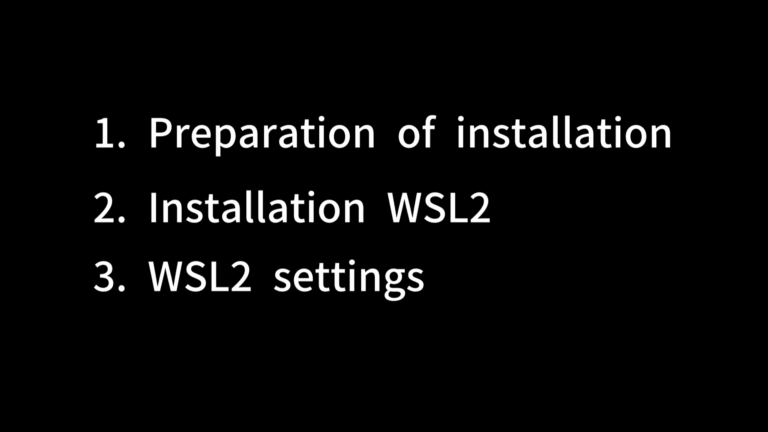
overview Please follow the video below to set it up. The video is divided into three parts. *1 As part of the pre-installation preparation, you can launch Task Manager by right-clicking the taskbar.If the “Virtualization” option is disabled, you need to enable virtualization in the firmware’s BIOS/UEFI.Click and copy the following command. Refer to “2. … Continue reading [windows] Steps to install WSL2 (Windows Subsystem for Linux)