[macos] Steps to install MacPorts
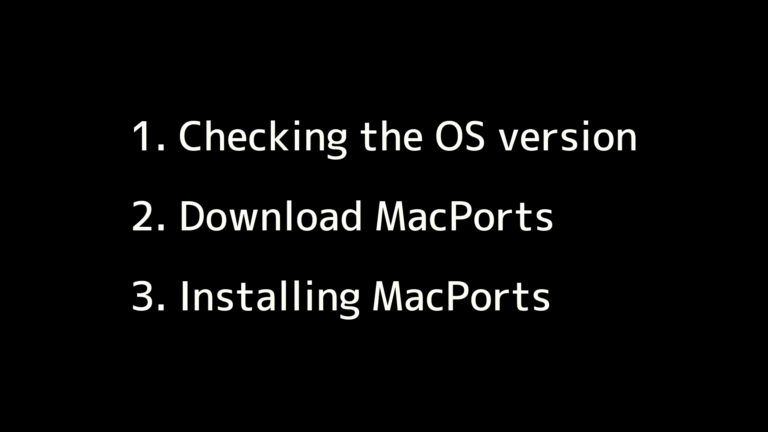
overview Please follow the video below to install the app. It consists of three parts: Check the MacPorts version Please open the terminal following the instructions in the video below.Launch Spotlight by clicking the magnifying glass icon in the menu bar or pressing Command+Space on your keyboard, then type “terminal” in the search field. Terminal … Continue reading [macos] Steps to install MacPorts