

overview
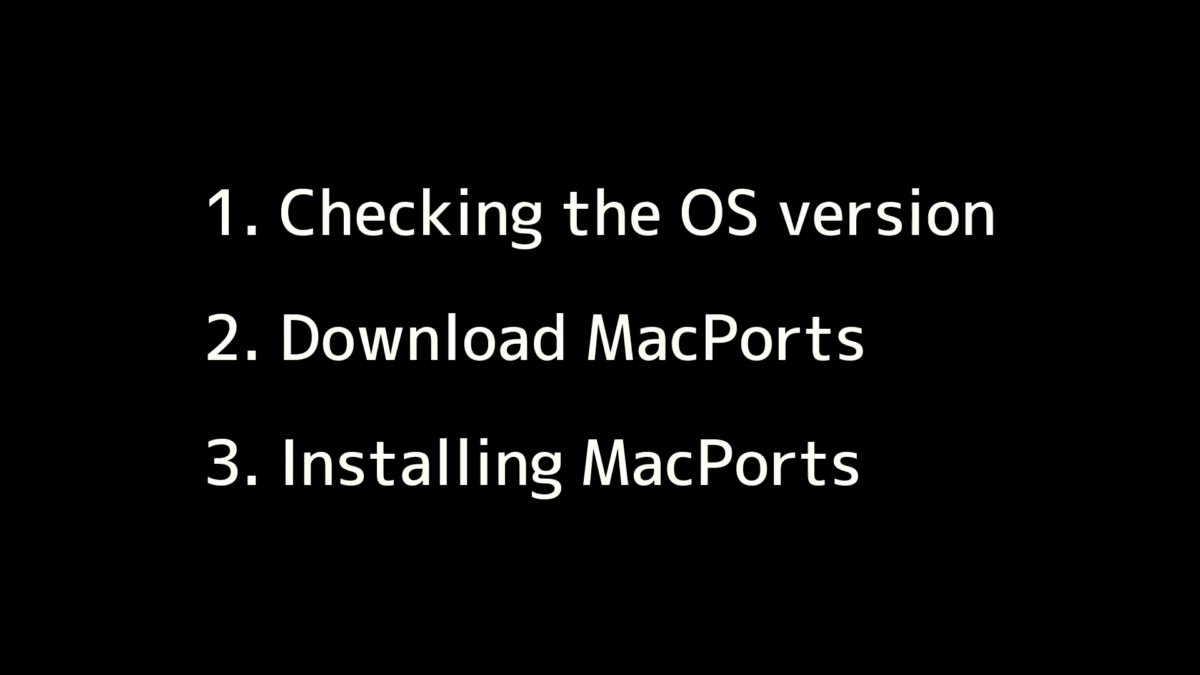
Please follow the video below to install the app. It consists of three parts:
- Checking the OS version
- Download MacPorts
- Installing MacPorts
Check the MacPorts version
Please open the terminal following the instructions in the video below.
Launch Spotlight by clicking the magnifying glass icon in the menu bar or pressing Command+Space on your keyboard, then type “terminal” in the search field. Terminal will appear as a suggestion and you can launch it.
Click and copy the following command:
In the terminal, press cmd+v, or right-click and select paste, then press Enter. If the version is displayed, it’s OK.